Inventory
Track quantity and cost for products you stock, with average, FIFO or LIFO costing, cost of goods sold on each sale, and counts.
Lejr can track quantity and cost for the products you buy and resell, and post cost of goods sold on each sale. The Inventory account on your balance sheet matches the value on hand.
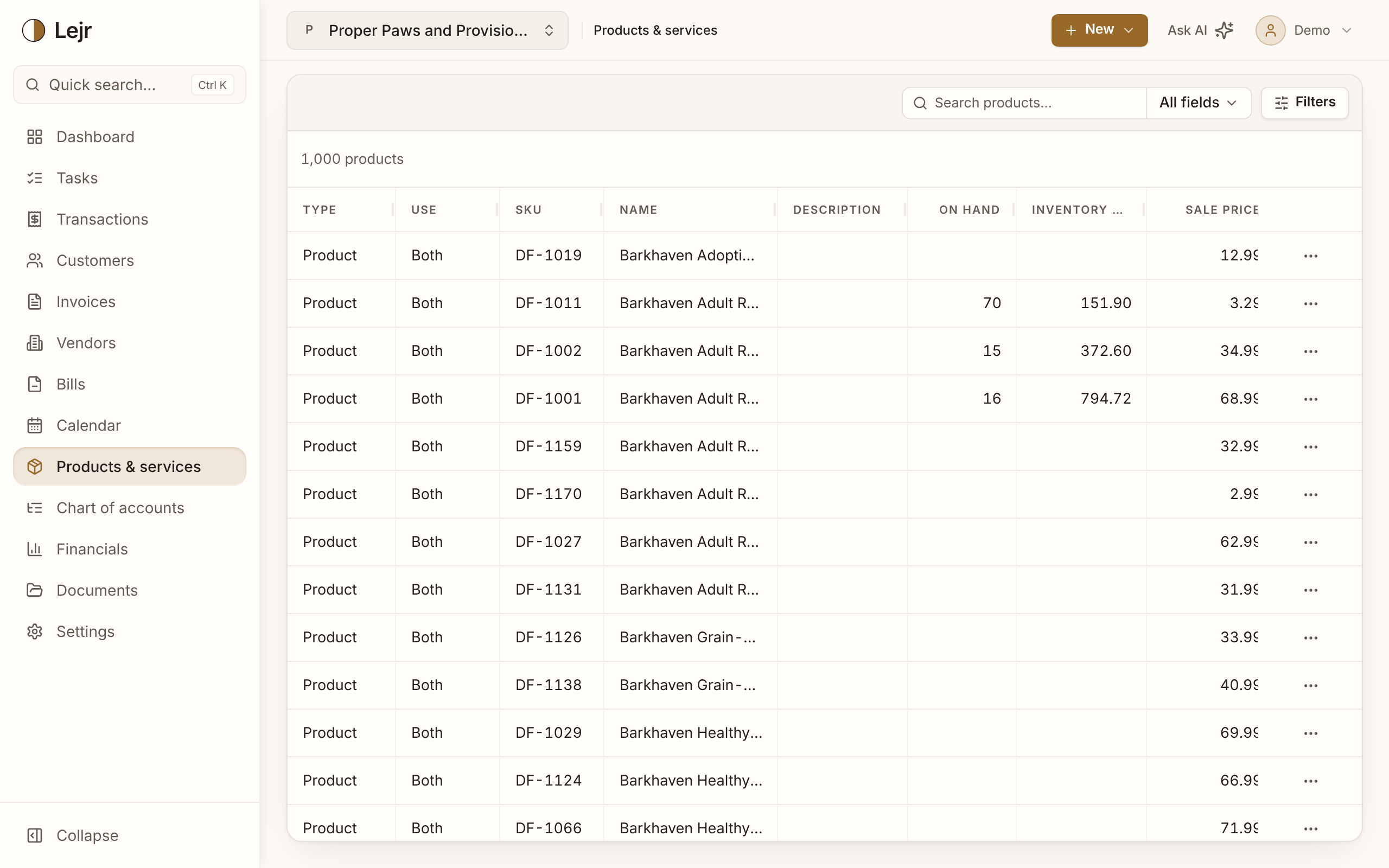
Tracking is per product and off by default. Services can't track inventory.
Setting it up
- Choose a costing method
In Settings → Accounting → Accounting method, set Costing method to Average cost, First in, first out (FIFO) or Last in, first out (LIFO). It applies to every product. Owners and admins set it.
- Turn tracking on for a product
On the product's Details tab, set Inventory to Track quantity and cost, or tick Track inventory on a new product. Lejr adds Inventory and Cost of Goods Sold accounts if your chart lacks them.
- Enter opening inventory
If you had stock on your books' start date, choose Opening inventory on the product's Inventory card and enter units and cost. You can also itemize the Inventory account in Opening balances.
- Buy and sell as usual
A bill adds units at the bill's cost. An invoice removes units and posts their cost.
What posts
A bill line for a tracked product debits Inventory instead of an expense.
An invoice line credits income as usual and adds Dr Cost of Goods Sold / Cr Inventory for the units sold. Average cost uses the blended cost on hand; FIFO takes the oldest units first, LIFO the newest. Voiding or correcting the invoice or bill reverses exactly what it took.
You can sell more than you have. The extra units are costed at the last price paid and shown as Sold short. When the bill arrives, cost of goods sold is adjusted to the actual cost.
When the method locks
You can change the costing method until inventory first moves (opening inventory, a bill, a sale or a count). After that, Lejr refuses the change, because it would re-cost units already on the books.
Once a product has inventory history, tracking stays on and it stays a product. Archive it if you stop selling it.
Counting inventory
Choose Count inventory on the product, enter Units on hand, and Record count. Lejr posts the difference to Inventory Adjustment: missing units at their cost, extra units at the last cost paid. A count that matches posts nothing. To correct a count, count again.
Opening inventory
Opening inventory itemizes the Inventory opening balance by product. It posts nothing, because the opening balance already holds the amount. You can change it until the product's inventory moves. It needs a books start date; without one, use a count.
With the assistant or a connected AI
They can set the costing method, enter opening inventory and record a count. They ask which costing method you use, and they record the count you give them. By default each change waits for your approval.
Good to know
- Each product's Inventory card lists every movement, linked to the document behind it.
- The Inventory valuation report lists units, unit cost and value per product and compares the total to the Inventory account. Any difference is shown.
- Credit memos and vendor credits don't change units on hand.
- You can't set the costing method back to Not tracked while any product tracks inventory.
Common questions
- Which costing method should I use?
- Ask your accountant. LIFO is allowed under US tax rules and GAAP (the IRS requires your financial statements to use it too) but not under IFRS. Decide before you record anything, because the method locks once inventory moves.