Recurring Invoices
Bill repeat customers on a schedule. Each invoice is created when due, saved as a draft, posted, or posted and emailed.
A recurring invoice bills on a schedule, for retainers, rent, memberships and service plans. Each run creates a separate invoice that posts on its own date.
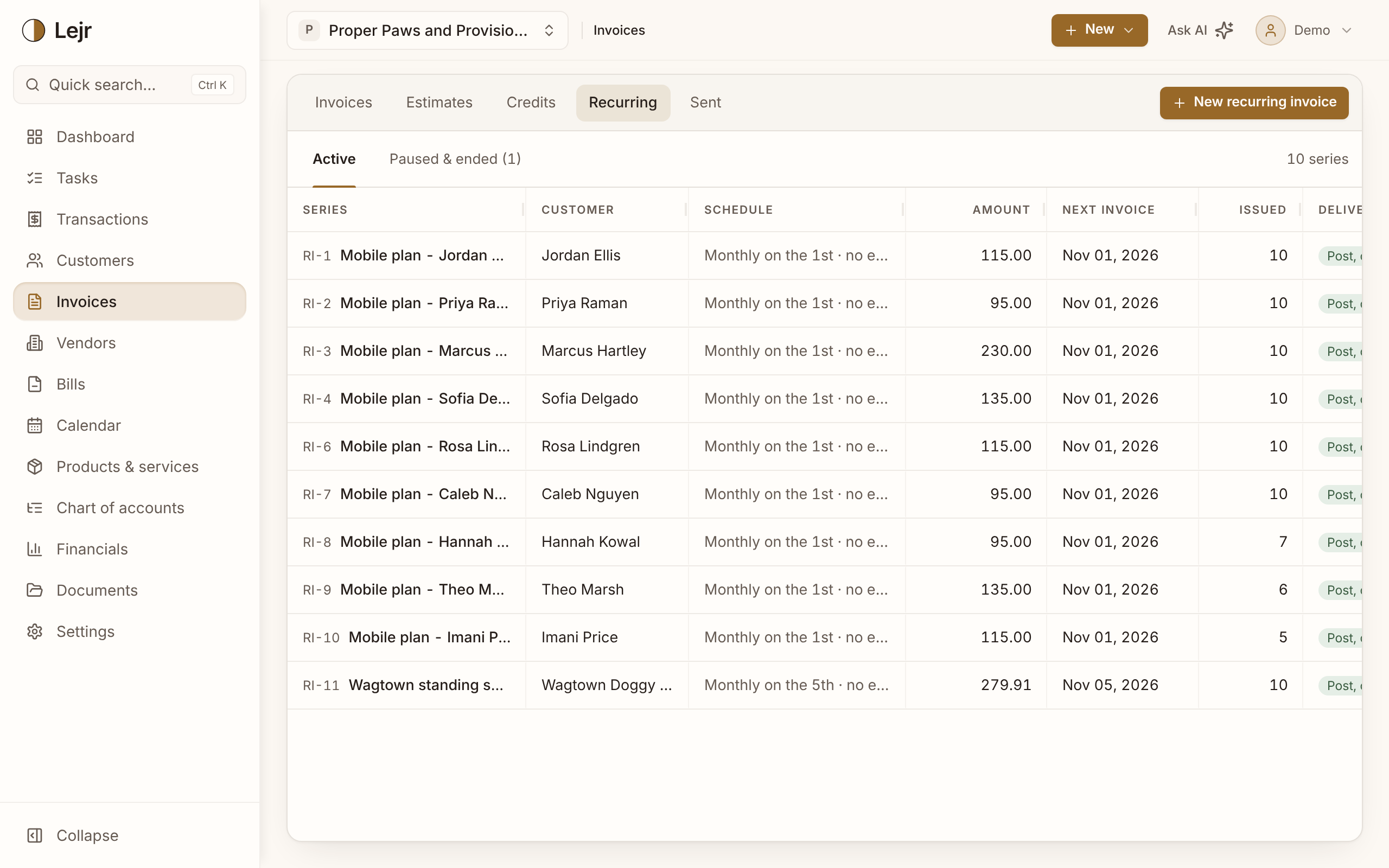
Setting up a schedule
- Build the invoice once
Customer, lines, income accounts and tax, as on any invoice. Each run copies it.
- Set the cadence
Choose how often it runs and when it starts. Each invoice's due date comes from the customer's terms, counted from that invoice's date.
- Choose what happens on each run
Lejr creates each invoice as a draft, posted, or posted and emailed. From then on it's an ordinary invoice that ages in A/R like any other.
Why each run is its own invoice
Revenue belongs to the period it's earned. Twelve monthly invoices put a year's retainer in the right twelve months, and a customer can dispute March without touching April.
Good to know
- Each series has its own page with the invoices it has issued, a today line and the next year of upcoming ones. Change or skip one upcoming invoice, or change everything from a date on (new rent from January). Issued invoices keep their history.
- An invoice from a series is tagged ↻ with the series and its number (RI-1 #13).
- Recurring invoices are included in Plus and Pro.
- Pausing a series stops future invoices and leaves issued ones alone.