Sent Items
Every invoice, receipt, estimate and statement Lejr emailed: when, to whom, and any that failed to send.
Sent items lists every email Lejr sent for your business: invoices, receipts, estimates, statements, and the payment notices sent to you when a customer pays. Each row shows when it went, to whom, and the amount.
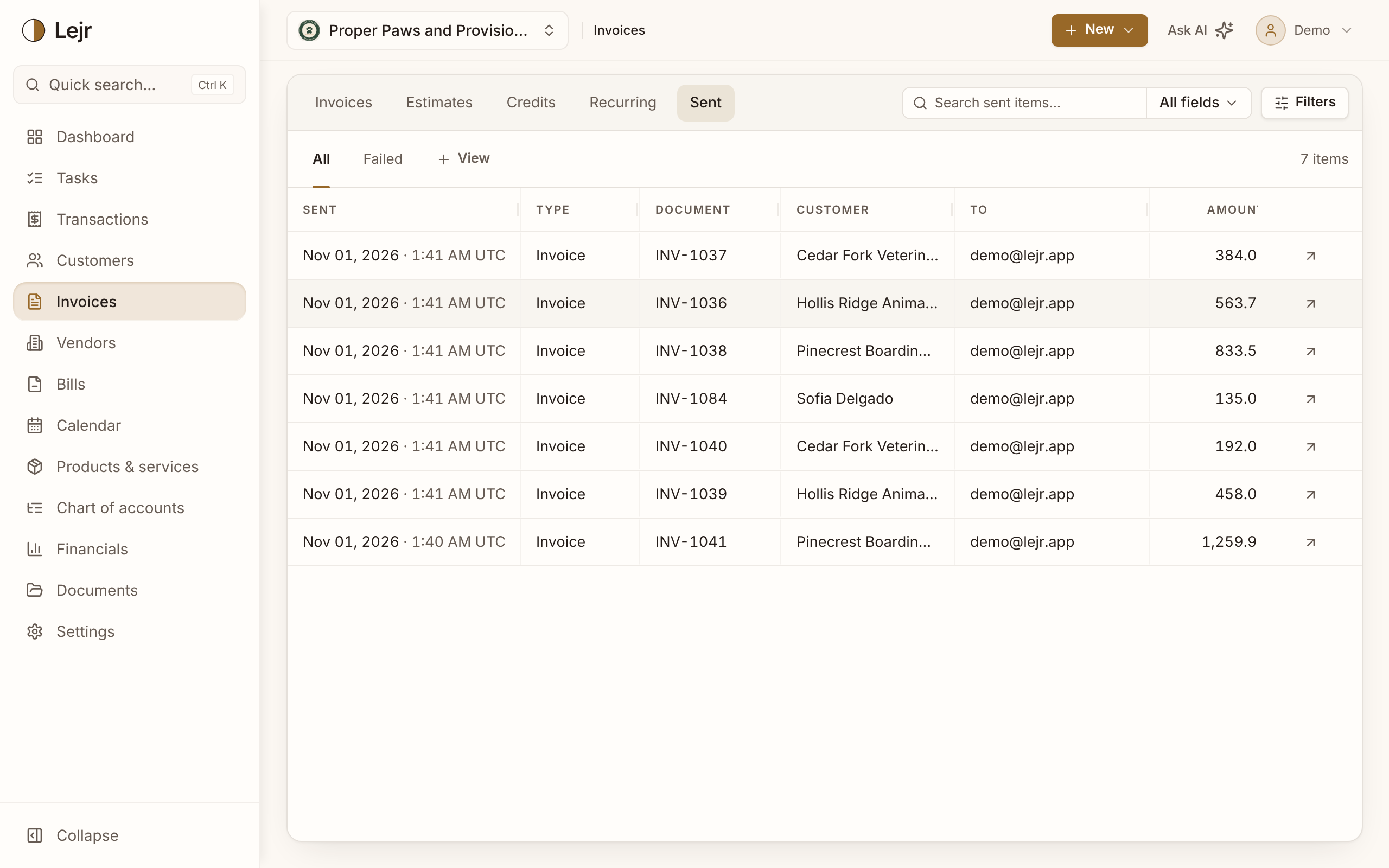
Using the list
- Open it
It's the Sent tab beside Invoices, Estimates, Credits and Recurring.
- Find a send
Search by customer, document number, recipient or amount. Filter by type: Invoice, Receipt, Payment notice, Estimate or Statement.
- Check Failed
Failed lists emails that couldn't be sent, with the reason. Usually the address is mistyped or closed.
- Resend from the record
The arrow at the end of a row opens the invoice, estimate or customer. Fix the address on the Email tab if needed, then use Resend invoice or Resend estimate.
What a row tells you
Sent is the date and time the email left Lejr. A row that didn't fail means the email service accepted it. That doesn't prove it reached the inbox.
Sent items doesn't show whether an email was opened. Image pixels and link scanners make that unreliable.
Receipts and payment notices
A receipt confirms a payment to the customer and is labelled separately, so a paid invoice doesn't look sent twice. A payment notice is the email Lejr sends you when a customer pays.
Good to know
+2 ccmeans two more recipients were copied.- Sent items posts nothing and changes no balance.
- Credit memo emails aren't listed. Check the credit memo's own history.
- + View saves a filter you use often.