Customer Statements
Send a customer a summary of their invoices and payments for a period. Statements don't change your books.
A statement shows a customer where they stand across all their invoices and payments. It's what you send someone with several open invoices.
A statement posts nothing. It reports existing entries, so you can run or resend it any time.
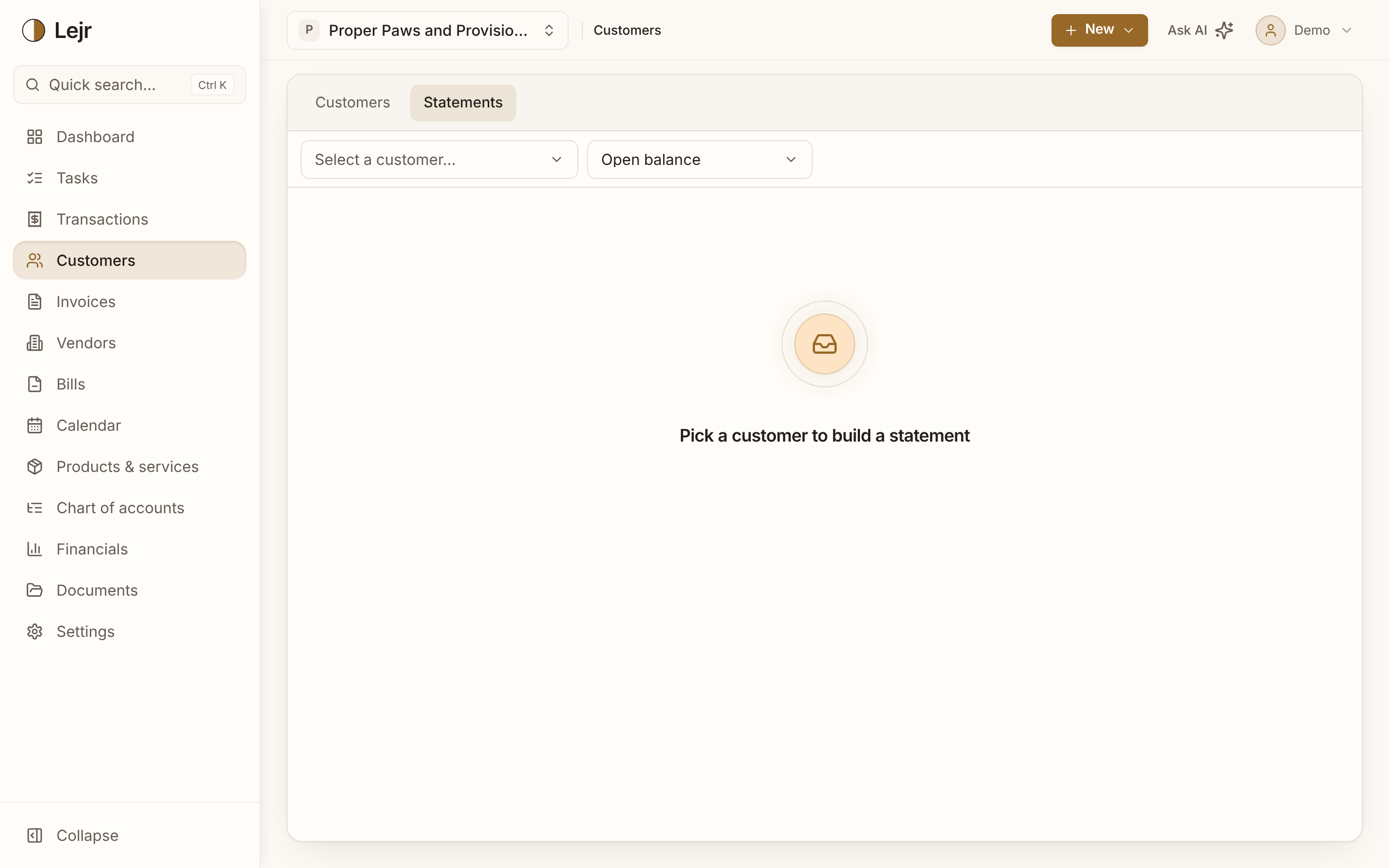
Producing a statement
- Pick the customer
Choose from the customer list.
- Choose the type
Open balance lists what's unpaid now. Activity covers a date range: invoices, payments and the balance carried in and out.
- Send or download it
Send statement previews the email the customer will get, with the PDF attached. Download PDF saves a copy.
Statement versus invoice
An invoice bills for specific work and creates a receivable. A statement summarizes invoices already sent and creates nothing. Every figure on it traces to an existing invoice or payment.
Good to know
- Statements are built from posted entries, so they always agree with your ledger.
- For every customer at once, use the A/R aging report.