Get Paid Online
Connect Stripe so sent invoices include a pay link. Payments post to your books, and you can let customers pay part of an invoice.
With Stripe connected, invoices carry a pay link so customers can pay by card or ACH. The receipt posts to your books on its own. Card details stay with Stripe and never reach Lejr.
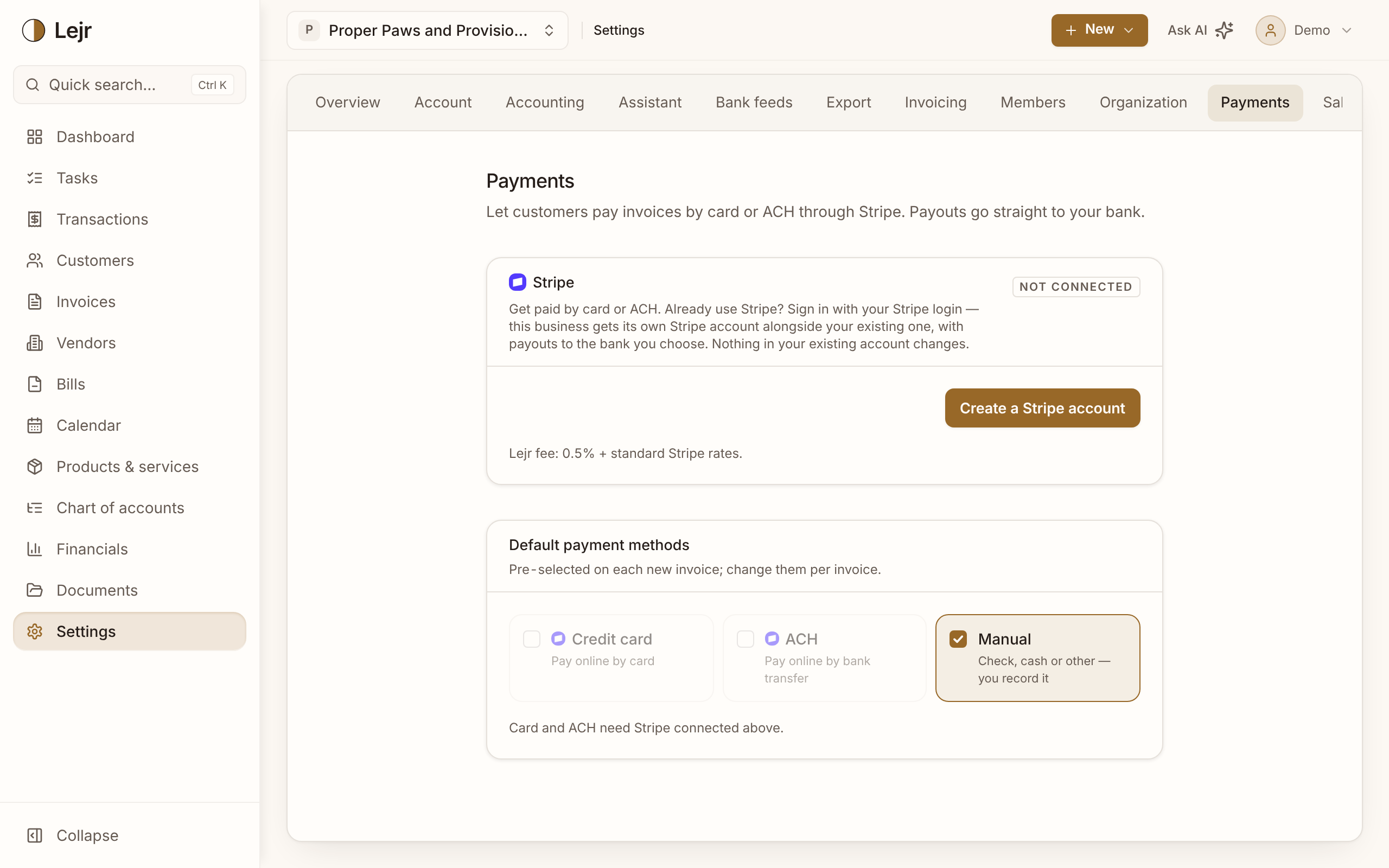
Turning on payments
- Connect Stripe
In Settings → Payments, create a Stripe account or sign in with an existing one. This business gets its own Stripe account; your existing one doesn't change.
- Pick default payment methods
Credit card, ACH and Manual (check, cash or other, recorded by you) are pre-selected on each new invoice. Change them per invoice.
- Decide on partial payments
Allowing them lets a customer pay a deposit or in installments through the same link. Each payment applies as it arrives.
- Send invoices
When the customer pays, Lejr records the receipt against the invoice: the same debit-cash, credit-receivable entry you'd make by hand.
How fees are recorded
Stripe charges its processing fee, and Lejr adds a 0.5% platform fee on every plan. Fees are booked as an expense, not netted against revenue: you earned the full invoice and paid separately to collect it. Netting would understate both income and costs.
For large invoices to reliable payers, a bank transfer outside Stripe may cost less.
Good to know
- Stripe pays out in batches, so one bank deposit can cover several invoices. Lejr matches a payout to its deposit only when exactly one fits; otherwise the deposit waits in Review.
- Online payment is optional. Invoicing works without it.