Transaction Feed
Transactions from your connected banks arrive in Review. Categorize, match or split each one before it posts.
Transactions from your connected accounts arrive on the Transactions page and wait in Review. They aren't in your ledger yet.
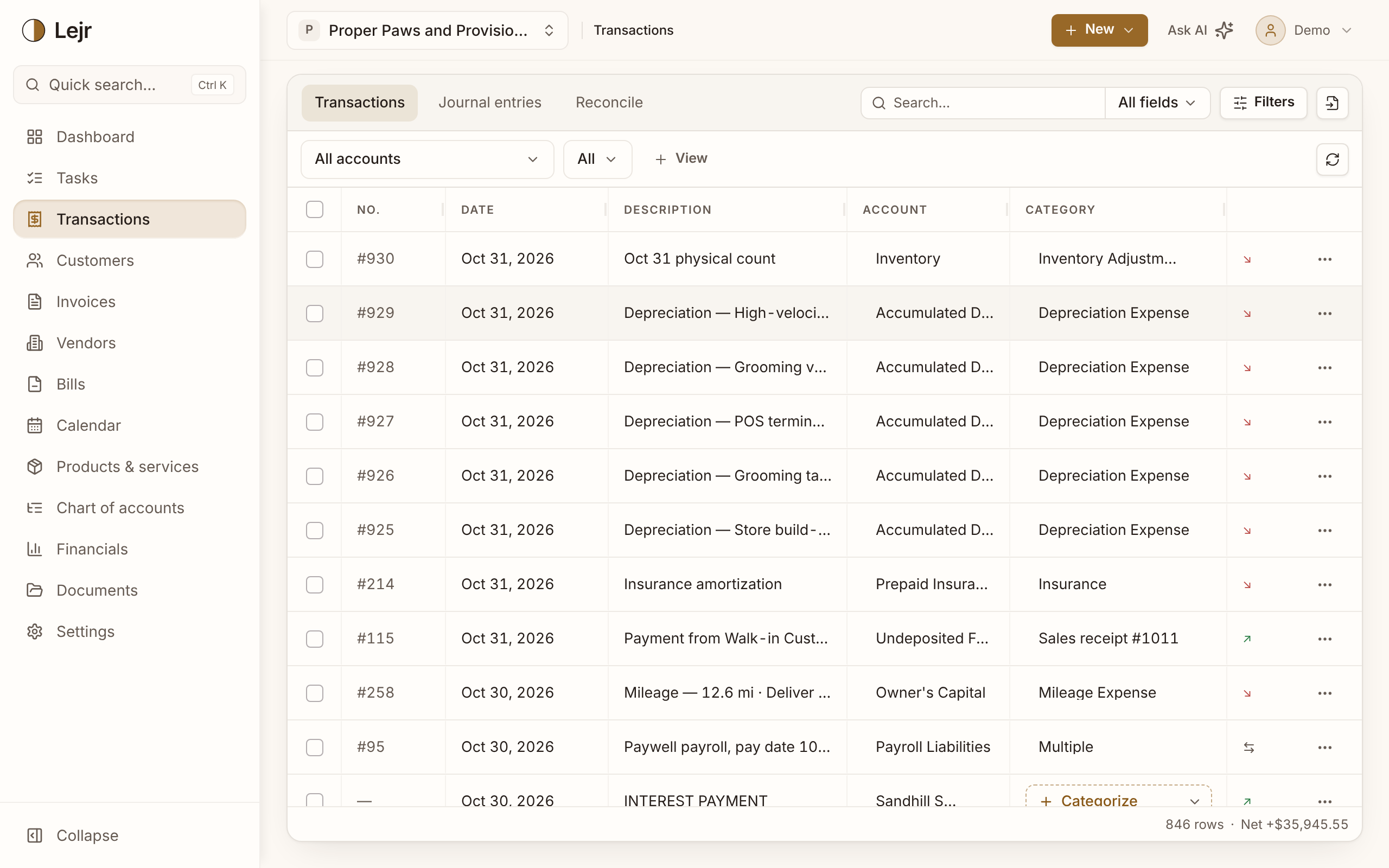
Working through Review
- Check the suggestions
Most lines arrive with a suggested category, so you're usually just confirming.
- Fix what's wrong
Pick a different account in the Category menu. Lejr learns the correction for that merchant.
- Handle the exceptions
The Category menu's Match tab applies a line to an open invoice or bill. Transfer… records money moving between your own accounts. More opens the full panel, where you can split a payment across several accounts.
- Confirm
Confirming posts a balanced entry. To undo it, pick Uncategorized in the Category menu: Lejr reverses the entry and the line goes back to Review.
Why nothing posts automatically
Suggestions can't write to the ledger. A wrong automatic posting is harder to find and undo than a right one is to confirm.
A bank line reaches the ledger only when someone categorizes it: you, a teammate, or the assistant acting on your request. The activity log records who.
New transactions show up on the page as your bank syncs, without a refresh.
Good to know
- Lines in Review don't affect your reports.
- Deleting a line in Review removes it without posting anything. Use it for a duplicate the bank sent twice.