Import Transactions (CSV)
Upload a bank CSV, pick the Date, Amount and Description columns and the account, and review every row before it's imported.
CSV import brings in transactions from another accounting system, or from a bank without a feed.
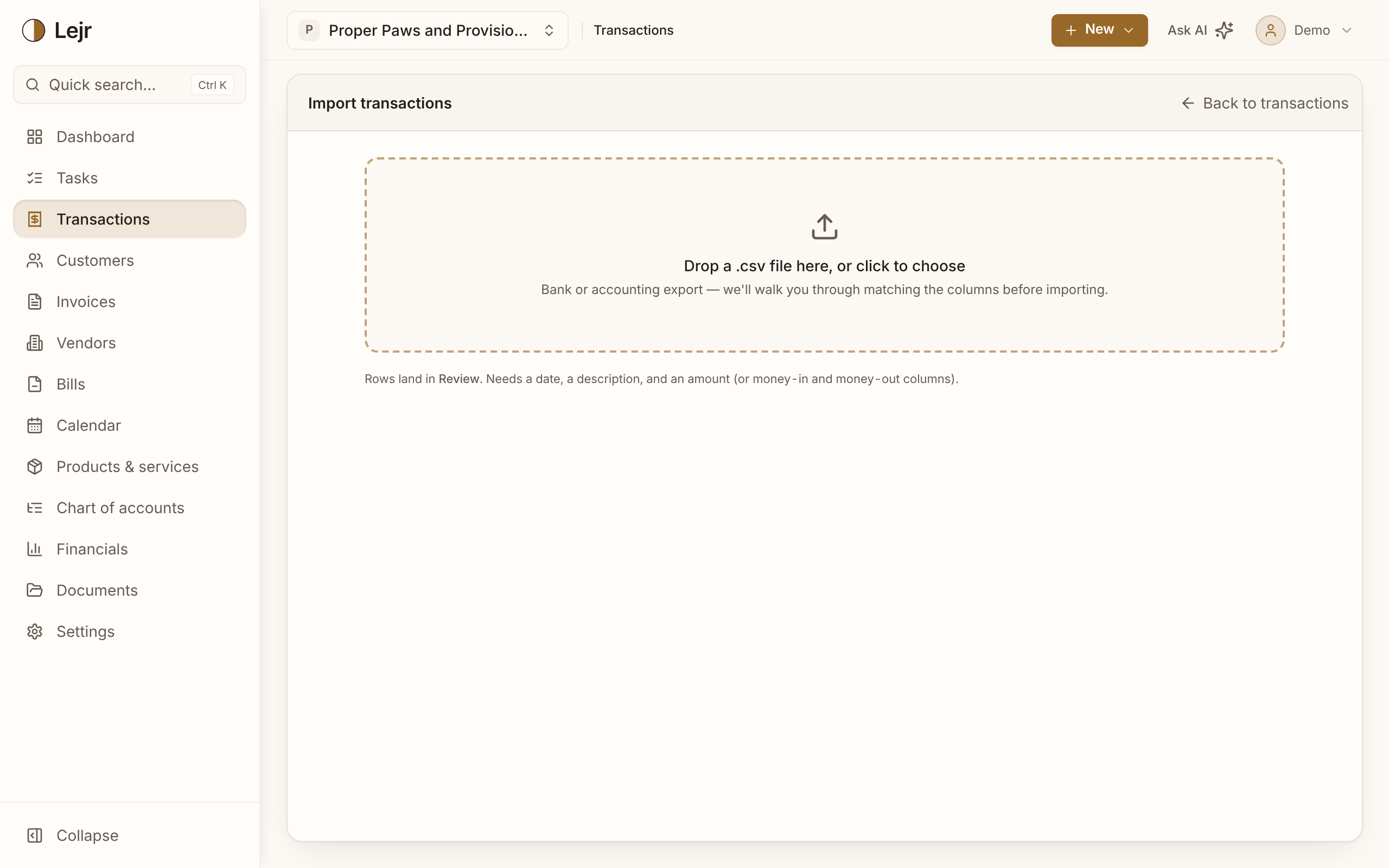
After you upload the file there are five steps: Date, Amount, Description, Account and Review. You see every row before anything is imported.
The steps
- Upload your file
Drop in a CSV exported from your bank or old software. It needs a header row, a date, a description and an amount (or separate money-in and money-out columns).
- Date
Click the date column and say how the file writes dates: month first, day first or year first. This is separate from how Lejr displays dates.
- Amount and description
Click the amount column, or the withdrawals and deposits columns if the file splits them. Then click the description column.
- Account
Choose the bank, card or cash account the money moved through. If the file covers several accounts, map its account column and match each name to one of your accounts.
- Review, then import
Check a few dates and amounts and untick any rows you've already recorded. Imported rows land in Review to categorize, like bank-feed lines.
Why dates get their own step
03/04/2026 is March 4 or April 3 depending on who wrote it, and both read as valid dates. A wrong guess can go unnoticed until a quarter won't tie out, so Lejr asks.
Bringing in history
Imported rows wait in Review instead of posting, so a bad import is cleared from Review rather than reversed in the ledger.
Lejr warns you when the account already has activity in the file's date range. Rows dated on or before your opening-balance date are left out, since your opening balances already cover them.
Good to know
- Each file can hold up to 2,000 rows. Split larger exports by year or account.
- Accounts with a bank feed don't need importing, except for history older than the feed reaches.
- For several businesses or very messy history, Lejr offers paid Assisted Migration on a limited basis.
Common questions
- What if I import the same file twice?
- Lejr warns you about existing activity in that date range. If duplicates get through, they're in Review, so you delete them there. Nothing needs reversing.