Documents
Attach receipts, contracts and other files to invoices, bills and transactions, and find them all in one place.
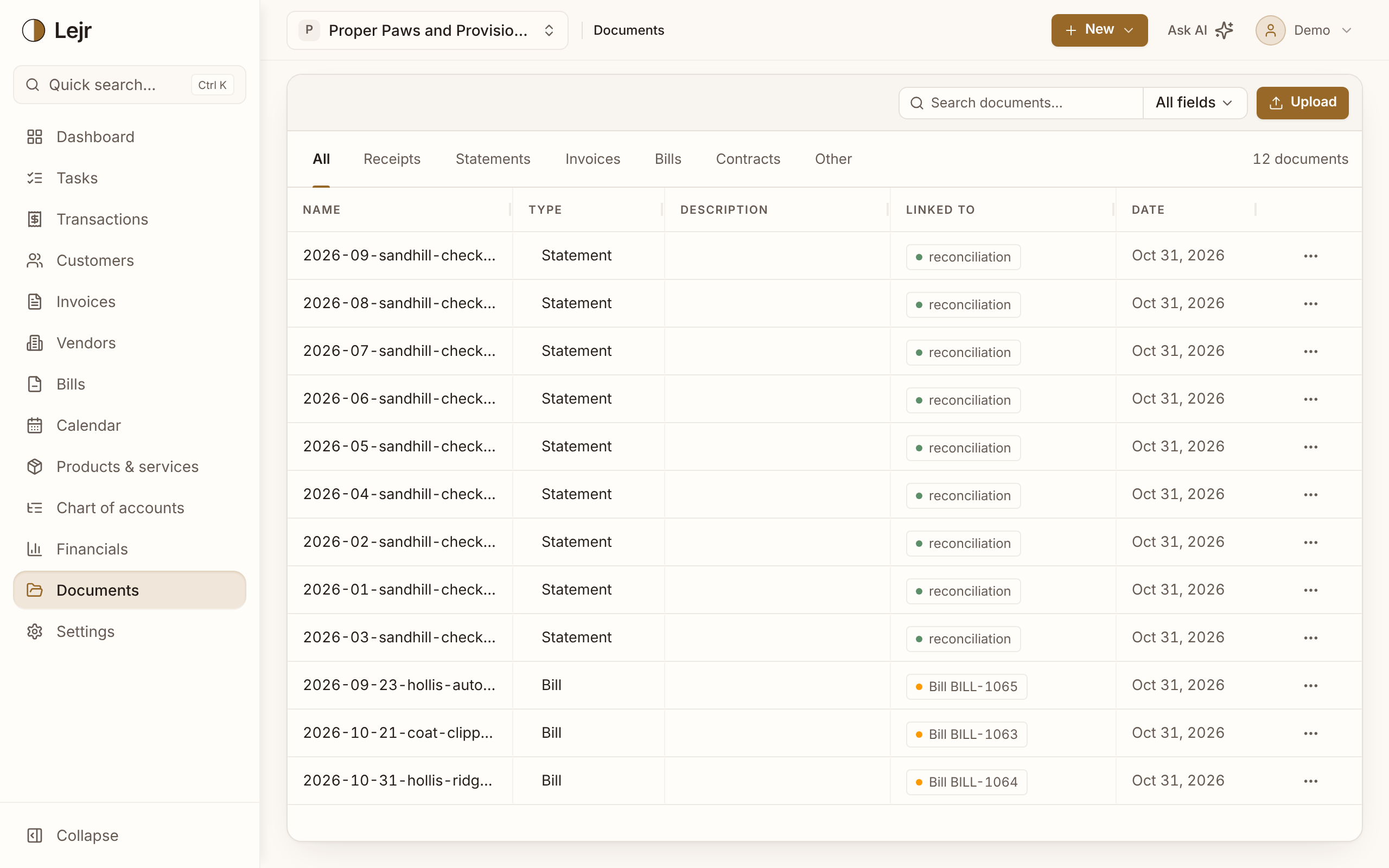
Documents holds your receipts, statements, contracts and other files, each linked to the records it supports: a transaction, bill, invoice, vendor, customer or reconciliation.
A receipt attached to its expense answers the question when someone asks later. A receipt in a separate folder has to be matched by hand.
Working with documents
- Attach on the record
Upload a file on the transaction, bill or invoice it belongs to, or use Attach from Lejr Documents to link one you already uploaded. Files can be PDF, PNG, JPG or WebP, up to 25 MB.
- Attach before saving
On a new bill, invoice or transaction you can add files before you save it the first time.
- Upload here and link later
Upload on the Documents page adds files without a record. Use Link to… in a row's menu to connect one.
- Let the assistant file it
Give the assistant a receipt or bill and it can record it and attach the file to the right record. By default it asks for approval first.
- Find a file
Search by name or linked record, or filter by type with the tabs. The Linked to column shows each file's record.
Good to know
- Attachments work the same way on every kind of record.
- Uploading files to the assistant is included in every plan.
- Data exports don't include the files. Download them from Documents.
- How long to keep records depends on where you are. Ask your accountant.