Year-End Close & Period Lock
Close years oldest first into the equity account you choose, and lock dates against new postings. You can reopen the latest closed year.
Closing a year moves its income and expenses into equity so the next year starts at zero, and locks every date in that year.
Lejr closes one year at a time, oldest first. It lists loose ends before you close, and the decision on each is yours.
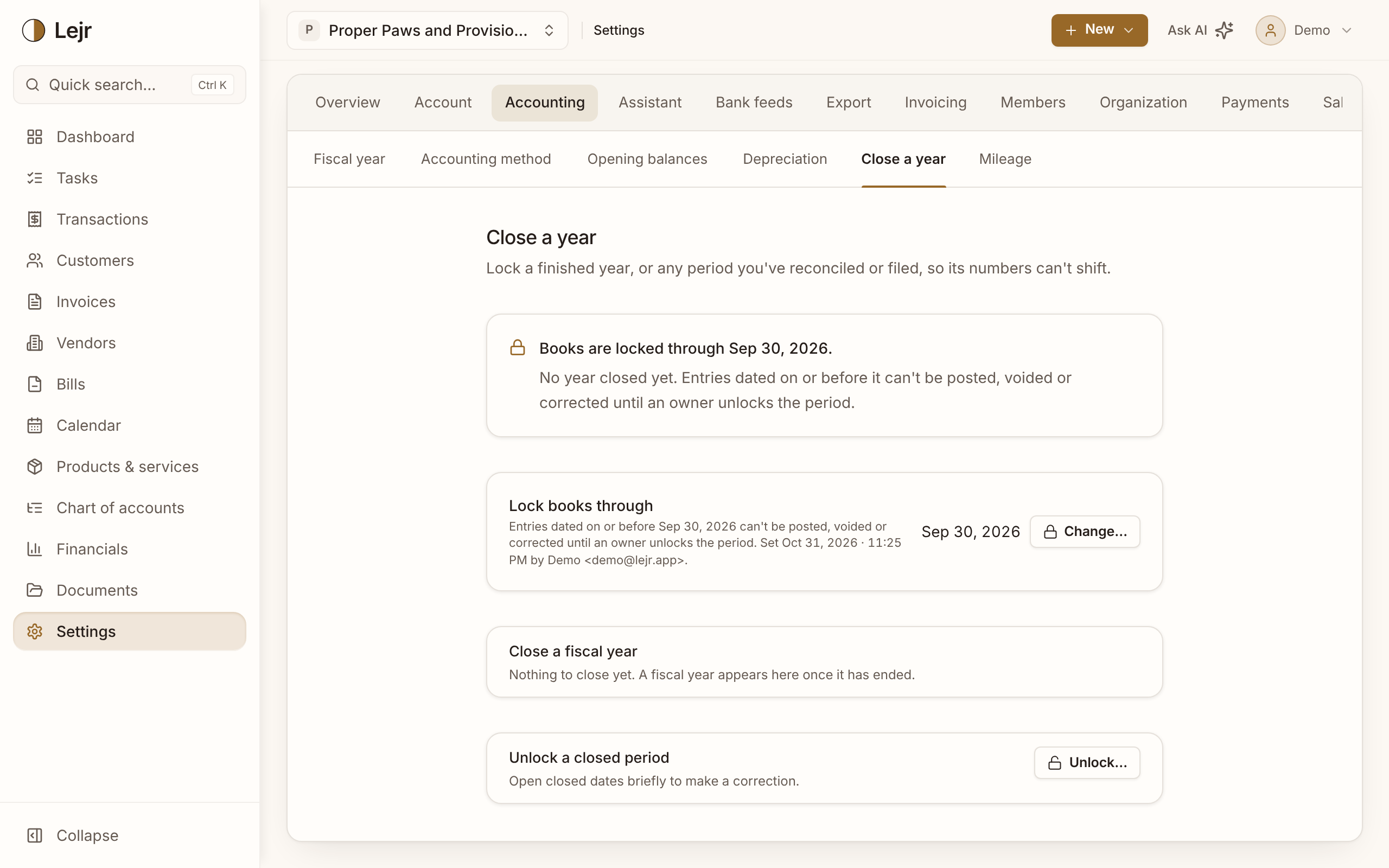
Closing a year
- Open Settings → Accounting → Close a year
Lejr offers the oldest ended year that is still open. Only owners can close, lock, unlock or reopen.
- Review the checks
Lejr flags items in Review or unreconciled, unposted depreciation, a nonzero Opening Balance Equity or Stripe Clearing, A/R, A/P or sales tax that doesn't tie, draft invoices, unapplied credits, and the inventory count. Each links to the fix. They don't block the close.
- Choose the equity account
Pick it in Close net income into, such as Retained Earnings or Owner's Capital. To zero another equity account such as Owner Draws in the same entry, use Add line. You see the full entry before posting.
- Close the year
Lejr posts one closing entry on the year's last day and locks through that date. If something posts into the year meanwhile, the close stops and asks you to retry.
Requirements
Set a tax entity type first (Settings → Accounting → Accounting method). Year-end close isn't available for partnerships yet; post their closing entries by hand.
A year with no income or expense is only locked.
Reopening a year
Only the most recently closed year can be reopened. This voids its closing entry and moves the lock back to the previous close. To fix an older year, reopen later years first, newest to oldest.
If Lock books through also covers the closing date, clear or unlock it first.
If a closed year changes during a temporary unlock, the page shows the difference. The next close carries it into equity; to update the year's own entry, reopen and close it again.
Lock books through
You can also lock through any past date, such as a reconciled month or a filed quarter. Nothing dated on or before it can be posted, voided or corrected.
You can move the lock forward any time, and back only to the latest year-end close.
Temporary unlocks
Unlock a closed period opens every locked date on or before the date you choose. Enter a reason and pick when it re-locks: 1 hour, 24 hours, 3 days, 7 days or 30 days.
Re-lock now ends an unlock early. Past unlocks and their reasons are in Unlock history.
Good to know
- The fiscal year can't change once any period is locked.
- On cash basis, results from unclosed years appear on the balance sheet as "Prior Years' Earnings (not yet closed)."
- Review transactions dated in a closed period can't be categorized until it is unlocked.
- The assistant always asks for approval before closing, reopening or moving the lock.
Common questions
- I found a mistake in a closed year.
- Usually, post a correcting entry in the current year. If the closed year itself must change, unlock it briefly, or reopen it (and any later years), fix it and close again.
- Does closing delete anything?
- No. It posts one entry that zeroes income and expense into equity. Reports still show the year in full.