Data Export & Backup
Download all your records as an Excel workbook or ZIP of CSVs, plus financial statements and a full technical backup.
Settings → Export downloads your books at any time: spreadsheets of every record, financial statements, a CPA tax package, the sales tax report and a full technical backup.
Export works even when your trial or subscription has ended and the account is read-only.
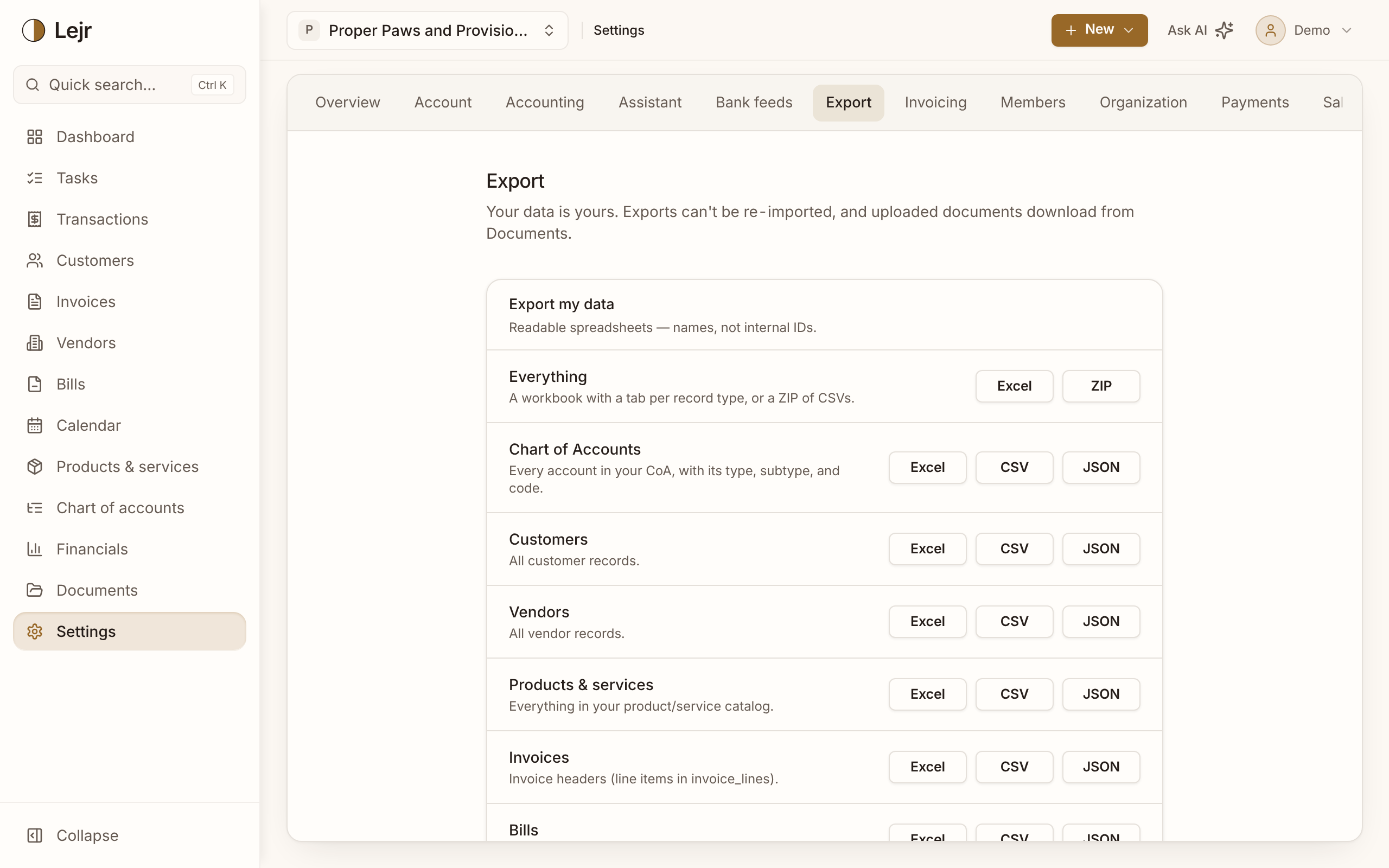
What you can download
- Everything
Under Export my data, Everything is one Excel workbook with a tab per record type, or a ZIP of CSVs. Files use names, not internal IDs.
- One record type
Each row (Chart of Accounts, Customers, Vendors, Invoices, Bills, Journal entries, Fixed assets, Mileage log and more) downloads as Excel, CSV or JSON.
- Financial statements
Pick a fiscal year, then a statement or All statements, as PDF, Excel or CSV.
- CPA tax package
One ZIP per fiscal year: P&L, balance sheet, trial balance, general ledger, fixed-asset register and depreciation, 1099-NEC, year-end A/R and A/P aging, reconciliations, sales tax and loan schedules.
- Full technical backup
Accounting tables, raw is every table with internal IDs, as a ZIP or JSON, for moving to another system.
Who can download what
Viewers can download statements, the tax package (with contractor tax IDs masked) and the sales tax report. Members can also download record exports and Everything. The raw backup is for admins and owners.
Everything and the raw backup ask you to confirm your identity if you haven't signed in within the last few minutes.
Good to know
- Exports can't be re-imported into Lejr.
- Uploaded documents download from Documents.
- Closing your account offers a final download first.
- Individual reports also export from their own pages.
Common questions
- What should I send my accountant?
- The CPA tax package for the year. Or invite them as a viewer.