Vendor Credits
Record a vendor refund, return or billing correction as a credit. Apply it to open bills or record the refund when it arrives.
A vendor credit records money a supplier owes you back for a return, allowance, price correction or rebate. The original bill stays unchanged.
It's an asset until you apply it to a bill or record the vendor's refund. Prepayments and bill overpayments work the same way.
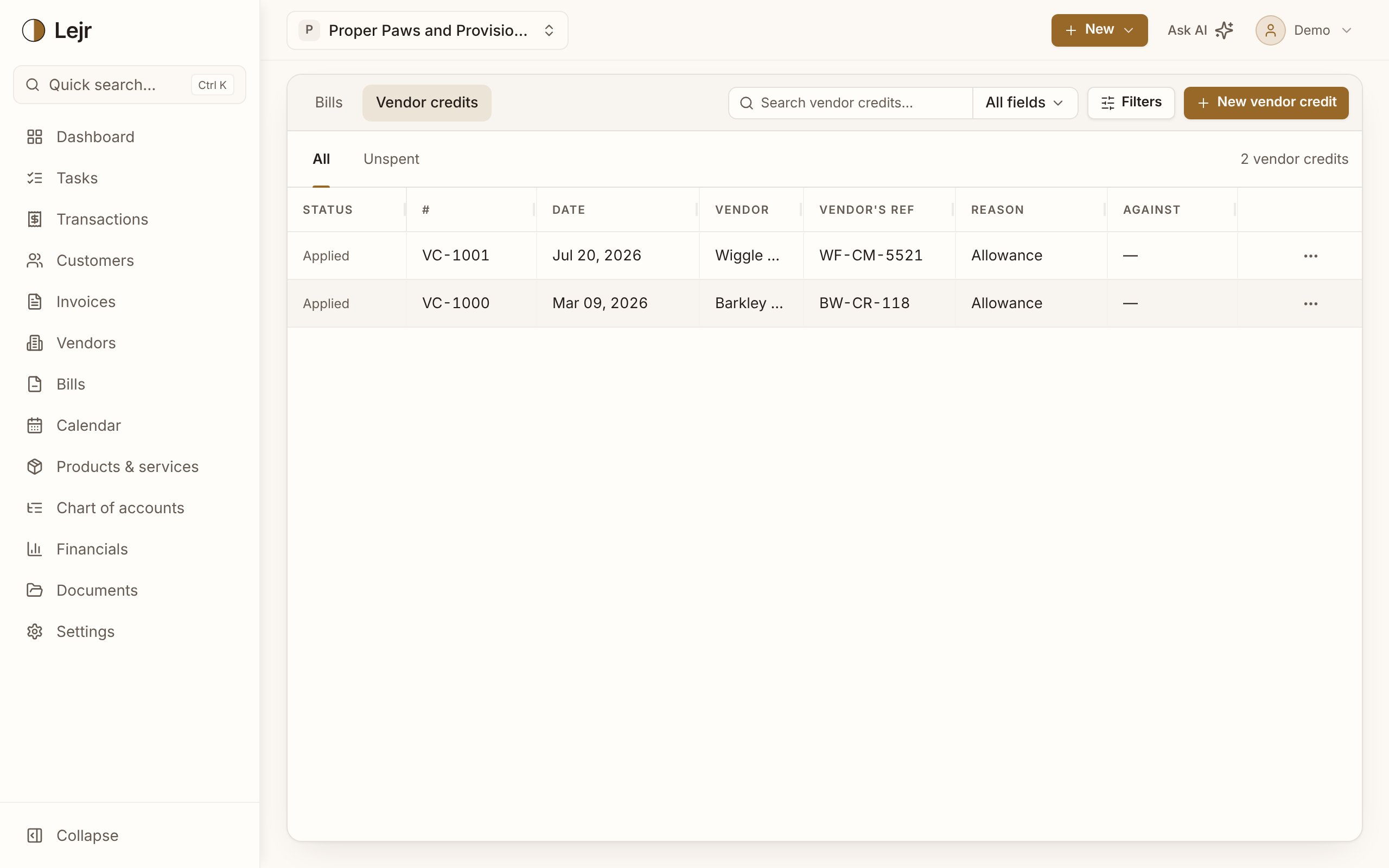
Recording a vendor credit
- Start from the bill
Choose Record vendor credit from the bill's menu, or New vendor credit on the Vendor credits tab.
- Choose a reason and lines
Return, Allowance, Price adjustment or Rebate, and the lines credited back to their accounts.
- Record it
Record credit posts it; Save draft saves it for later.
- Apply or refund
Apply or refund lets you Apply to a bill or record Refund received with the account the money went into.
What posts
Recording debits Vendor Credits, an asset, and credits the accounts on its lines.
Applying debits Accounts Payable and credits Vendor Credits. A refund debits your bank and credits Vendor Credits. You can't use more than what's left.
Prepayments
A payment before the bill arrives isn't an expense yet. On the vendor's page, Record prepayment posts it to Vendor Prepayments, an asset, until it's applied to the bill or refunded.
When you overpay a bill
Lejr asks Where should the extra go? Choose Credit with the vendor or a suggested expense account. For another account, cancel and use Split. Kept as credit, the overpayment becomes a vendor credit.
Good to know
- Void reverses an unused vendor credit. A partly used one can't be voided.
- Unspent lists every credit and prepayment with an amount left.
- Vendor credits don't change inventory on hand.
Common questions
- Should I edit the bill instead?
- Edit a bill that was entered wrong. If the bill was right and something changed later, record a vendor credit.