Vendors
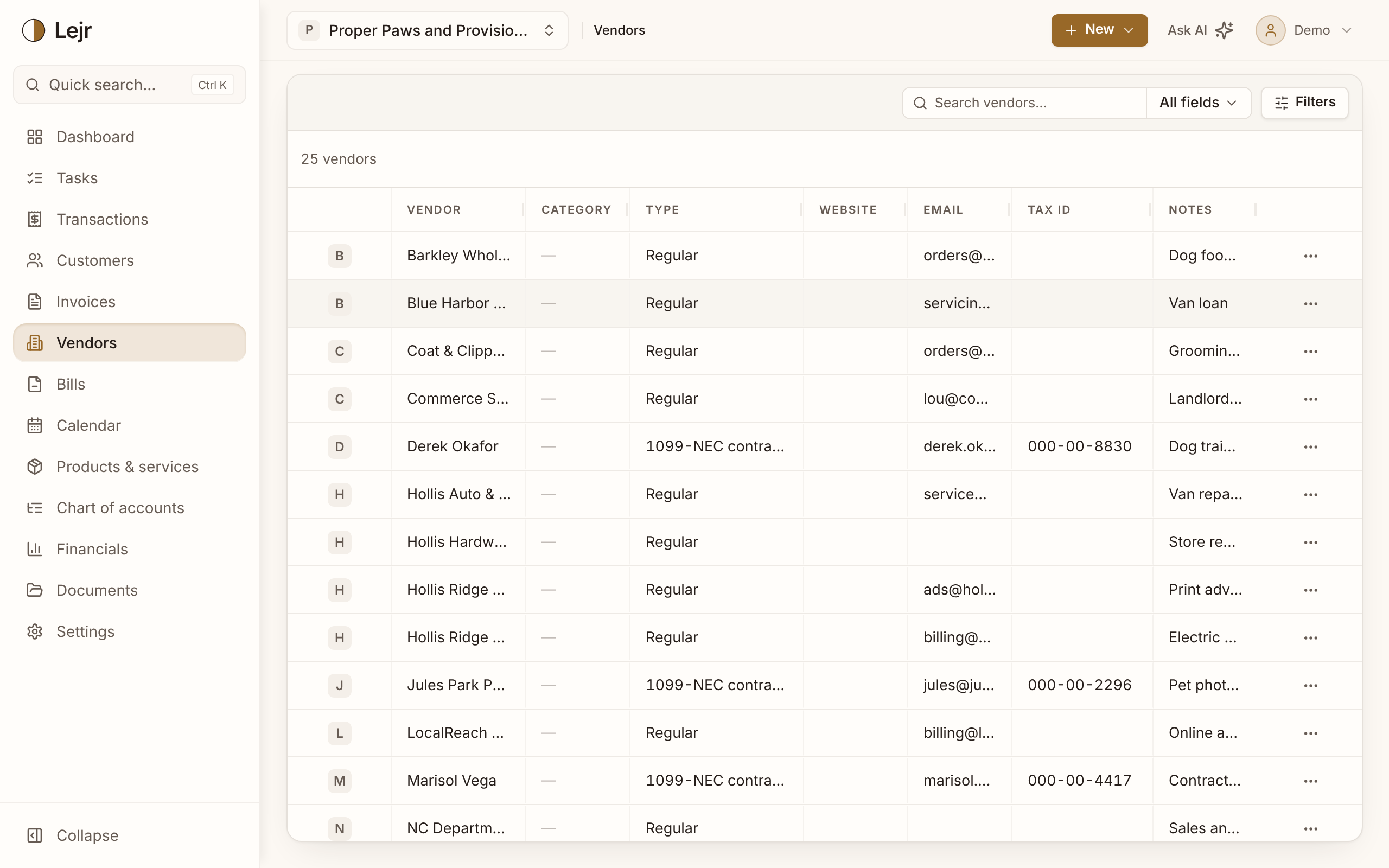
Your vendors with balances owed and bill history. Open one to see what you owe and what you've paid.
A vendor is anyone you buy from: suppliers, subcontractors, your landlord, the utility company. The record holds contact details, a default category, a tax ID, and what you've been billed and paid.
Together, your vendors' open bills are the detail behind the accounts payable figure on your balance sheet.
Working with vendors
- Add a vendor
Only the vendor name is required. Choose Regular for suppliers and services, or 1099-NEC contractor for people you'll issue a 1099-NEC to.
- Set a default category
The account this vendor's spending usually posts to. Bank transactions linked to the vendor are suggested this category before any other source.
- Record the tax ID
Store a contractor's taxpayer identification number during the year and the 1099-NEC report under Financials has what it needs at year end. Lejr doesn't file anything for you.
Why set a default category
Most miscoding happens on routine transactions. A default category settles the vendors you pay every month, and it outranks every other source of suggestions, including the AI model.
Good to know
- Vendors are archived, not deleted, so past periods still show who you paid.
- The same company can be both a customer and a vendor. They're separate records, so what you owe and what you're owed aren't netted together.